















What is Geometry Dash Unblocked?
Geometry Dash Unblocked is the original rhythm platform game playable in your browser, where you guide a cube through spikes, platforms, portals, and sudden speed changes. The idea is simple: tap at the right time and survive until the end of the level. Miss one jump, clip one spike, or panic during a portal switch, and the run starts over.
That sounds harsh, but it is also the reason the game works. Geometry Dash is easy to understand in the first ten seconds. The hard part is learning the level well enough to make it through cleanly. You start by reacting, then you begin to remember the rhythm, the spike patterns, the fake-out jumps, and the places where holding too long ruins the run.
Geometry Dash unblocked keeps that loop simple. Open the page, press play, and start practicing in your browser. It is useful when you want the original Geometry Dash experience without setting up an app first. You still get the quick restarts, the music-based timing, and the stubborn need to try one more time after a bad mistake.
Geometry Dash Unblocked Online
Geometry Dash Unblocked Online is built for fast access. You do not have to search for an app store, sign into an account, or install a file that may not work on your device. The game loads in the browser, which makes it easier to play on desktop, laptop, tablet, or mobile when you want a quick session.
Online play also fits the way Geometry Dash is usually played. Runs are short. Restarts are instant. You can spend two minutes testing a level or half an hour trying to beat the same section. The game does not ask for a long tutorial because the controls are simple: jump, hold, release, and learn from the mistake that just happened.
For smoother play, use a modern browser and close extra tabs if the game feels slow. Fullscreen helps too, especially on smaller screens where a late visual cue can ruin a run. A keyboard gives the most precise control on desktop, but touch controls work fine once you get used to the timing.
Geometry Dash Gameplay
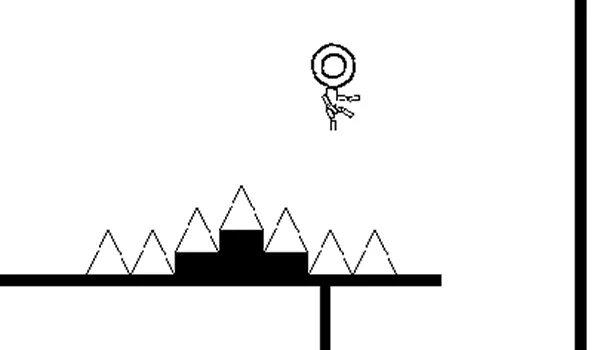
Geometry Dash gameplay is all about timing. Your character moves forward automatically, so you are not steering in the usual platform-game way. You are watching the path, listening to the beat, and deciding when to tap. The controls stay simple, but the levels keep changing the rules around you.
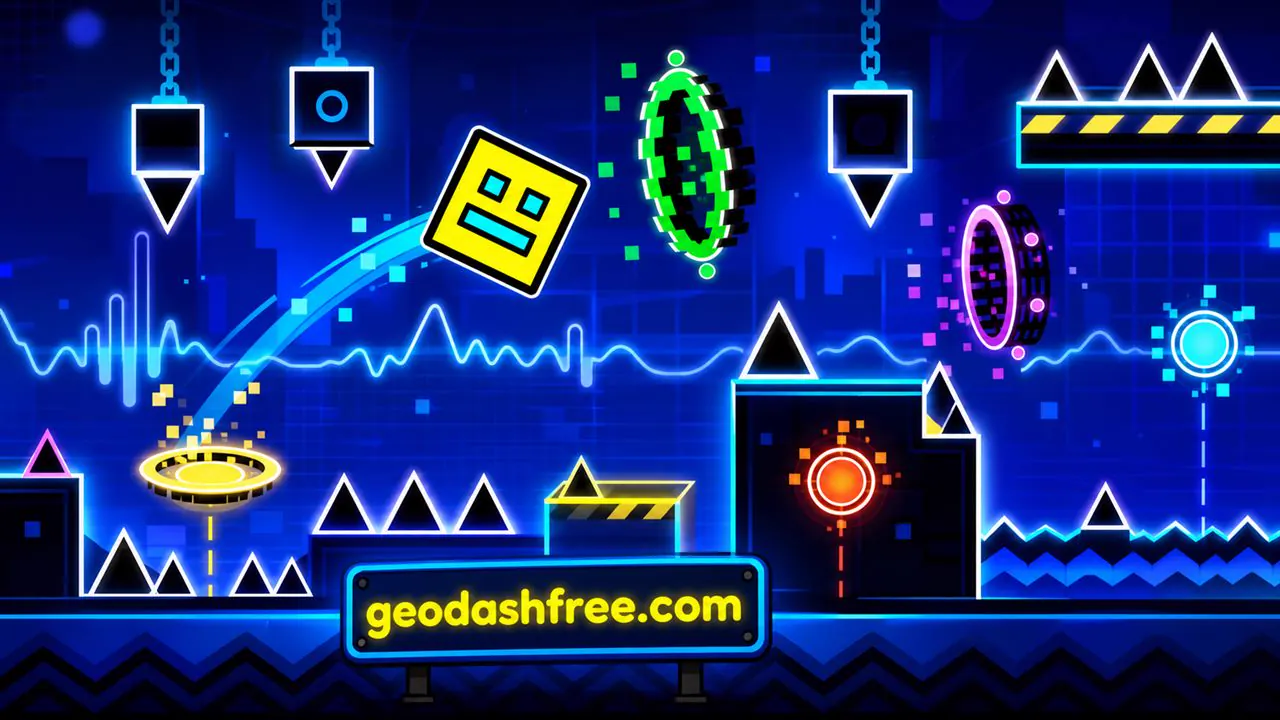
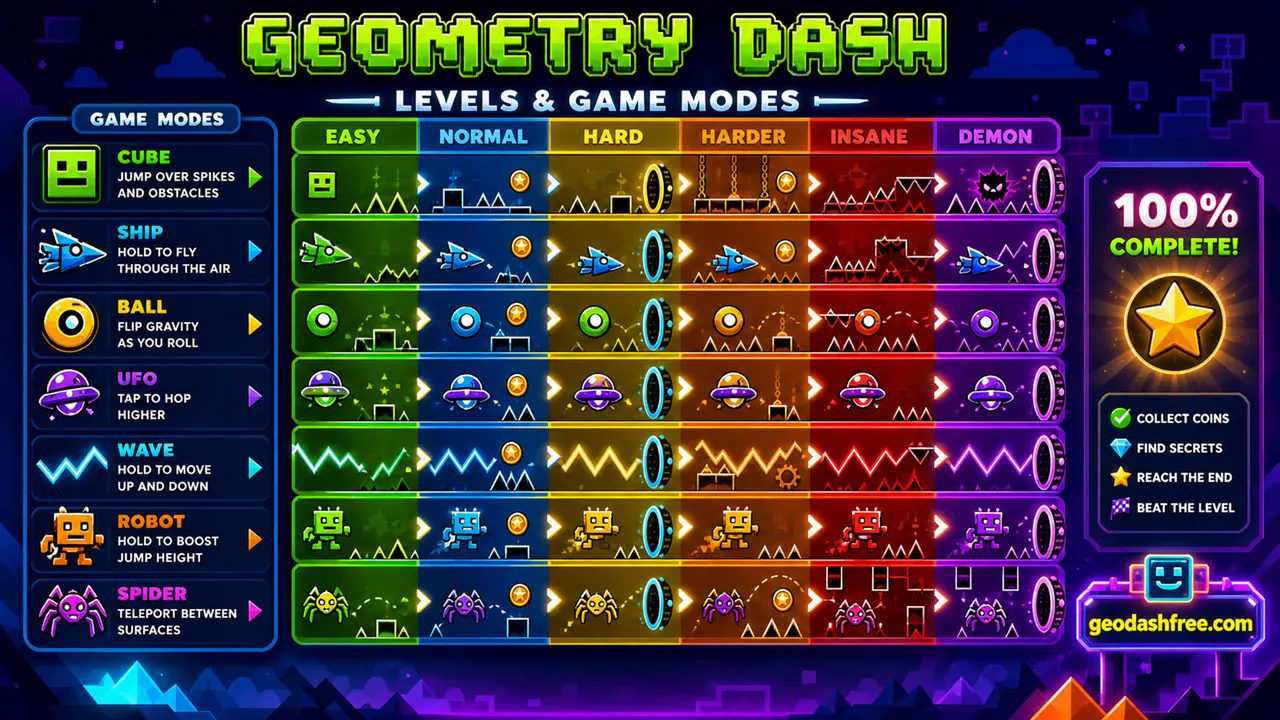
Cube sections are the easiest to understand. Press once to jump over a spike or gap. Ship sections feel different because holding makes you rise and releasing makes you fall. Ball sections flip gravity. Wave sections turn movement into sharp up-and-down lines. UFO, robot, and spider parts add their own timing, so a level can feel calm one second and completely different the next.
The music matters more than it might seem at first. Many obstacles are placed around the rhythm, and the best runs often feel like you are playing along with the track. That does not mean the music clears the level for you. You still need memory, patience, and a bit of nerve when the screen gets crowded.
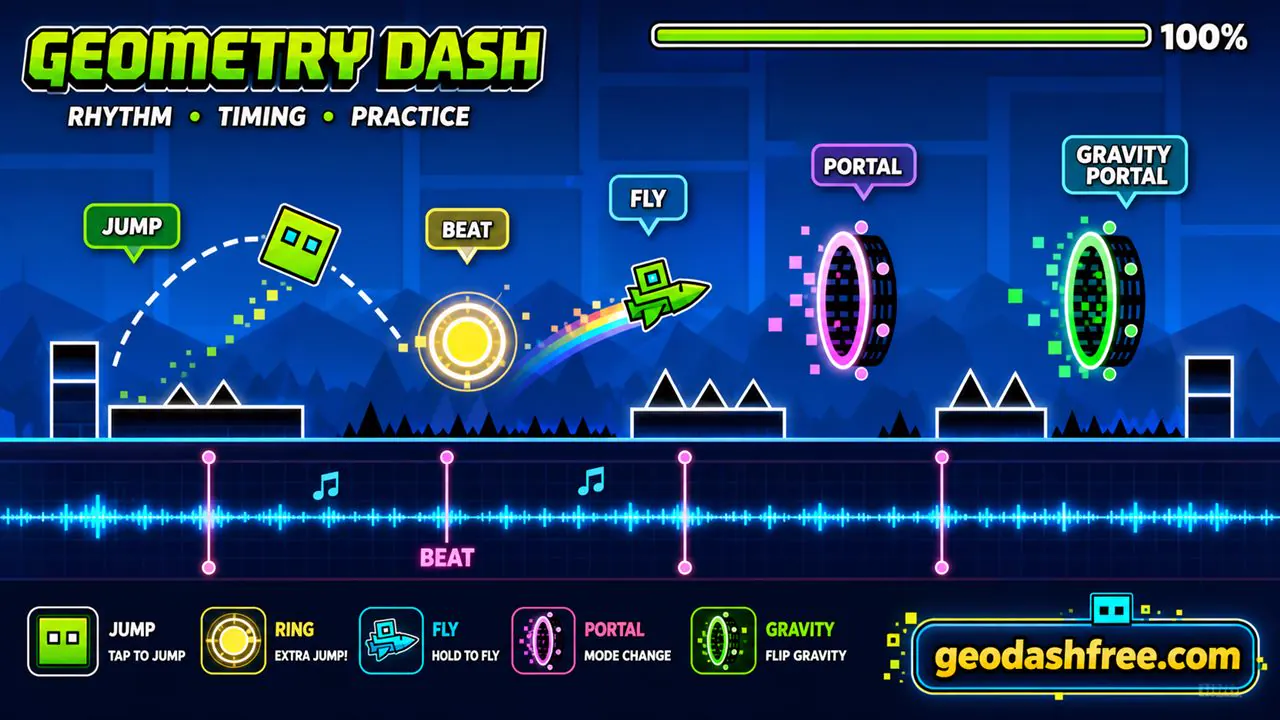
Failure is part of the design. Geometry Dash expects you to crash, restart, and slowly push farther into the level. A new player might see ten percent as progress. Later, the same player starts worrying about the last jump before the finish. That small shift is the whole game: learning enough that a messy level becomes familiar.
Geometry Dash Levels
Geometry Dash levels are short obstacle courses built around music, movement, and memory. Some levels are slow enough for beginners to read each jump. Others throw in quick portals, narrow gaps, gravity flips, jump pads, and sudden speed changes. The layout is usually fair, but it does not wait for you.
A level usually teaches you its pattern through repetition. The first attempt shows you the obvious hazards. The next few attempts teach you which jumps are early, which jumps are late, and where the level tries to bait you into pressing too soon. After enough runs, the opening becomes automatic and the real challenge moves deeper into the track.
Practice mode is useful when a level starts to feel annoying instead of fun. It lets you place checkpoints and repeat hard parts without replaying the easy beginning every time. Use it for ship sections, tight wave paths, or portal chains that keep catching you off guard. Then switch back to normal mode and try to connect the pieces in one run.
If you are new, do not jump straight into the hardest levels just because they look popular. Start with easier stages and learn the language of the game first. Spikes, pads, orbs, portals, gravity changes, and speed arrows all tell you something. Once those signs make sense, harder levels become less random.
Game Modes in Geometry Dash
Game modes in Geometry Dash change how your character moves. This is one of the reasons the game stays interesting even though the basic input is simple. You may only be pressing one key or tapping one screen, but that input means different things depending on the mode.
Cube mode is the standard jump mode. Ship mode asks for smooth control, because holding too long sends you upward and releasing too long drops you into danger. Ball mode flips gravity with each input, so timing matters in a different way. UFO mode gives small jumps in the air. Wave mode is sharper and less forgiving, with movement based on holding and releasing through narrow paths.
Robot mode changes jump height based on how long you hold. Spider mode snaps between surfaces. Portals can also change size, speed, gravity, or direction. A good level uses these changes to build tension instead of just confusing the player. When you die after a portal, ask what changed before blaming your reflexes. Most of the time, the level just switched the rule on you.
The best way to improve is to practice each mode separately in your head. Ship needs calm pressure. Wave needs short, clean corrections. Cube needs rhythm. Ball needs confidence with gravity flips. Treating every mode the same is one of the fastest ways to crash.
Geometry Dash Lite vs Full Version
Geometry Dash Lite is the free version many players try first. It gives you a set of official levels, the basic controls, and the same rhythm-platform idea without asking you to buy the full game. For casual players, that may be enough. You can learn the mechanics, practice timing, and see whether the game clicks with you.
The full version usually makes sense for players who want more content. It has more official levels, more features, and access to the larger creative side of Geometry Dash. Player-made levels are a big part of why the game has lasted so long. Some are simple and fun. Some are brutally difficult. Some are built more like art pieces than normal levels.
If you only want a quick browser session, Geometry Dash unblocked online or Geometry Dash Lite is a good place to start. If you care about custom levels, progress, icons, level creation, and the wider community, the full version is the better long-term choice. There is no need to rush it. Try the simple version first and see whether you actually enjoy repeating a level until your hands remember it.
Why Play Geometry Dash Unblocked?
The main reason to play Geometry Dash unblocked is convenience. You can start in the browser without downloading anything. That matters on devices where installs are blocked, storage is limited, or you simply do not want to add another app. It also makes the game easy to revisit. Bookmark the page, open it later, and keep practicing.
It is also a good fit for short breaks. Geometry Dash does not need a long match, a lobby, or a save file before it becomes fun. One attempt can last a few seconds. A good attempt might last a minute or more. Either way, the restart is quick, and that makes it easy to keep trying without thinking too much about it.
The unblocked browser version is especially useful on shared devices, though you should still follow whatever rules apply where you are. If games are allowed during free time, this version keeps things simple. No installer. No account. No extra setup. Just the game, the music, and the next jump you probably swear you hit on time.
Another reason people come back is that Geometry Dash feels fair once you learn it. The game is hard, but most deaths make sense after you cool down for two seconds. You jumped too early. You held too long. You forgot the gravity portal. That kind of failure is irritating in a useful way because you know what to fix on the next run.
Tips and Tricks for Geometry Dash
The simplest Geometry Dash tip is to stop treating every death like bad luck. Most crashes are information. If you hit a spike, remember whether the jump was early or late. If you fall in ship mode, check whether you overcorrected. If a portal keeps ruining you, slow down mentally and learn what mode starts after it.
Listen to the soundtrack. A lot of jumps line up with the beat, and the rhythm can help you stay calm when the level speeds up. Do not mash the button unless the level clearly asks for it. Small, deliberate taps are usually better than nervous inputs. In ship and wave sections, smooth control beats panic almost every time.
- Use practice mode to repeat the section that is actually stopping you.
- Watch the path ahead, not only the character.
- Learn what each portal changes before trying to force your way through.
- Use fullscreen if the play area feels too small.
- Take a short break when your timing gets worse instead of better.
- Start with easier levels before chasing harder ones.
- Keep your inputs light in cube sections and controlled in ship sections.
A clean run usually comes after the level stops feeling surprising. You do not need perfect reflexes. You need enough memory to know what is coming and enough control to avoid overreacting when it arrives.
Is Geometry Dash Safe for School?
Geometry Dash is a simple arcade platform game. The focus is timing, music, and avoiding obstacles. There is no chat system in the basic gameplay, and the action is not graphic. That makes it easier to understand why students often look for it during breaks or free time.
Whether it is allowed at school is a different question. Every school has its own rules for games, websites, and device use. If your school blocks games during class, respect that. If games are allowed during breaks, a browser version is usually safer than downloading random files from unknown sites.
The safest way to play is to keep everything in the browser. Do not download installers from pop-ups. Do not enter personal information to play. Do not click fake update buttons or ads pretending to be the game. A proper unblocked page should let you start without asking for anything strange.
Parents and teachers usually care about two things: safety and distraction. Geometry Dash is easy to stop between runs, but it is also easy to say "one more try" ten times. If you are playing during a break, set a limit. The level will still be there later, and honestly, your timing may be better after stepping away.
Games Like Geometry Dash
Games like Geometry Dash usually share the same basic promise: simple controls, fast restarts, and levels that reward practice. If you like the rhythm side, look for music-based platform games. If you like the difficulty, try obstacle runners, precision platformers, or one-button games that force you to master timing.
Good alternatives should feel fair even when they are hard. The best ones make you think, "I can beat that if I try again," not "the game cheated me." That is the same feeling that keeps Geometry Dash popular. You crash, you learn one small thing, and you restart before the frustration has fully settled in.
Players who enjoy Geometry Dash often also enjoy games with quick levels, clear hazards, and a strong sense of flow. Some focus on jumping. Some focus on speed. Some are more about memorizing patterns than reacting. The common thread is control. When the game feels good, every mistake feels like something you can fix.
If Geometry Dash unblocked is your starting point, try related browser games when you want a change of pace. Then come back to the level that was giving you trouble. A little time away can make the pattern easier to read, which is annoying, but also kind of true.