





































What is Geometry Dash Wave?
Geometry Dash Wave is a fast rhythm platform game built around the wave form: hold to rise, release to fall, and cut through tight spike tunnels without touching the walls. It feels simple at first because the control is one button. Then the path narrows, the rhythm gets sharper, and every tiny overcorrection matters.
This page lets you play Geometry Dash Wave unblocked online with a direct browser iframe. No download, no APK, no login, and no extra setup. If you already enjoy Geometry Dash unblocked, Geometry Dash Breeze, or GD Lite-style searches, Wave gives you a more focused challenge: clean zigzags, steady pressure, and precise timing.
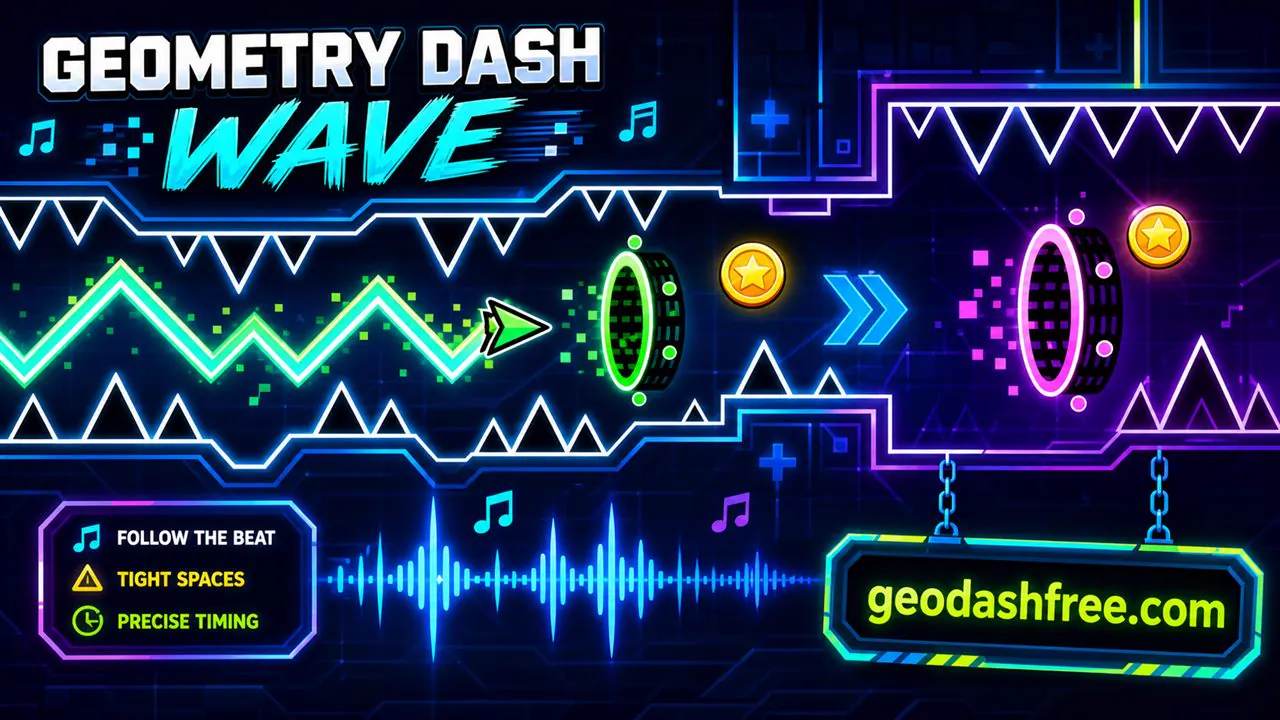
Geometry Dash Wave Online
Geometry Dash Wave Online is made for quick browser play. Open the page, press play, and start learning the wave path. Because the game runs online, it works well for players who want a fast session on desktop, Chromebook, tablet, or phone without downloading anything first.
The online format fits Wave especially well. Attempts are short, restarts are quick, and each run teaches you a little more about the tunnel. A good Wave level is not random. It trains your hand to make smaller and cleaner movements until the path starts to feel readable.
Geometry Dash Wave Unblocked
Geometry Dash Wave unblocked is useful when you want the game to load on a shared computer or a device where installs are blocked. You do not need a launcher or a separate game file. The iframe opens the game directly from the play source, which keeps the setup simple.
Unblocked does not mean every network will allow it. Schools and workplaces can still block game traffic. If the page loads, though, you can play Geometry Dash Wave free online from the browser. Always follow the rules where you are playing.
How to Play Geometry Dash Wave
The main rule is easy: hold to move the wave upward and release to move it downward. The hard part is keeping those movements small enough to survive. Big inputs usually cause crashes. Smooth, steady corrections are better than panic taps.
- Hold: Move the wave upward through the tunnel.
- Release: Drop the wave downward.
- Tap rhythmically: Use short inputs for tight zigzag paths.
- Watch the next gap: Do not stare only at the wave icon.
- Use the beat: Music timing can help you keep a steady pattern.
Geometry Dash Wave Controls
Geometry Dash Wave controls are simple, but they reward control more than speed. On desktop, use Space, Up Arrow, or left click. On mobile, tap and hold the screen. The input is the same idea across devices, but the feel changes depending on screen size and input delay.
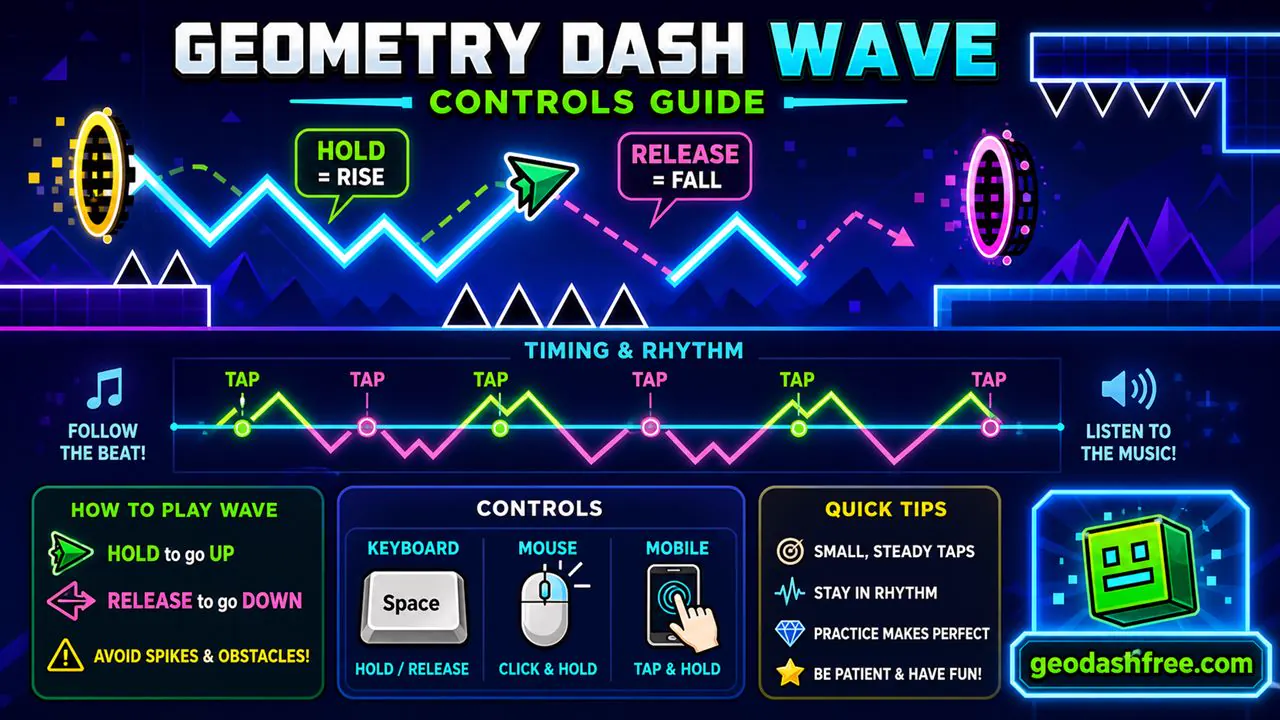
- Space: Hold to rise, release to fall.
- Up Arrow: Another keyboard option for wave movement.
- Left Click: Works well for players who prefer mouse control.
- Mobile Tap: Tap and hold to rise, lift your finger to drop.
- R: Restart quickly when supported.
- Esc: Pause when supported.
Geometry Dash Wave Gameplay
Geometry Dash Wave gameplay is sharper than normal cube gameplay. The cube jumps in arcs, but the wave travels in straight diagonal lines. That means your mistakes are easy to see. Hold too long and you hit the ceiling. Release too long and you crash into the floor. The game asks you to move with restraint.
Portals can change the path, speed, or size of the wave. Some sections give you room to adjust. Others force you through narrow corridors where one nervous input ends the run. That is why Wave players talk so much about rhythm. The goal is not to mash. The goal is to find a steady pulse.
Geometry Dash Wave Levels
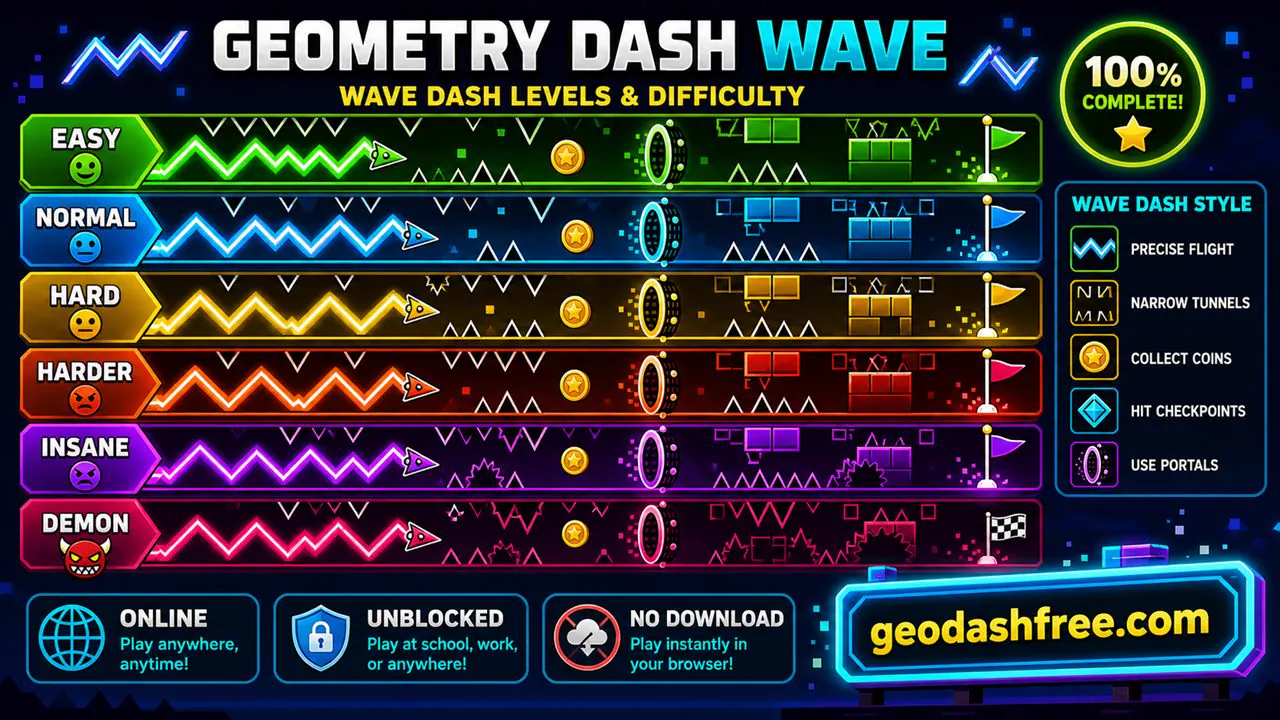
Geometry Dash Wave levels usually focus on tunnels, spikes, portals, and speed changes. Easy paths give you space to learn the diagonal movement. Harder paths tighten the gap and ask for cleaner zigzags. Demon-style Wave sections can become brutal because every input has to be controlled.
If a level feels impossible, slow down mentally. Look at the tunnel shape before blaming your reflexes. Many Wave deaths happen because you reacted too strongly, not too slowly. Smaller movements are often the answer.
Geometry Dash Wave Download
Many players search for Geometry Dash Wave download or Wave Dash download, but you do not need a file to play here. The game runs directly in the browser through the iframe. That is usually safer than downloading random files from mirror pages.
If a download page asks for extensions, strange permissions, or unrelated installers, skip it. Browser play is the cleaner route when your goal is just to practice the wave.
Geometry Dash Wave APK
Geometry Dash Wave APK is a common Android search, but APK files from unknown sites can be risky. Some pages use popular game names to push unrelated apps. If you only want to play Wave Dash, the online browser version avoids that problem.
Use official stores for official apps. For quick web play, use the browser page and avoid extra downloads.
Wave Dash vs Geometry Dash Wave
Wave Dash and Geometry Dash Wave are closely related searches. Players often use both names when they want a wave-focused Geometry Dash-style game. The important part is the mechanic: a wave icon moving up and down through tight paths with one-button control.
If you came here looking for Wave Dash unblocked, this page uses the direct Wave Dash iframe link while presenting it as a Geometry Dash Wave page for players who search by the Geometry Dash name.
GD Wave, Geo Dash Wave, and Related Searches
Players use shorter names like GD Wave, Geo Dash Wave, Geo Dash online, and Geometry Dash Wave unblocked when they want the same kind of rhythm-platform challenge. Those terms usually point to browser play, fast restarts, spike tunnels, and no-download access.
If you prefer easier practice first, try Geometry Dash Breeze. If you want the main game loop, go back to Geometry Dash. If you want a wave-heavy challenge, stay here and train the hold-release rhythm.
Tips and Tricks for Geometry Dash Wave
- Use tiny inputs: Large holds and long releases cause most Wave crashes.
- Look ahead: Watch the next tunnel, not only the wave icon.
- Follow the beat: Rhythm helps keep your zigzag steady.
- Do not overcorrect: One bad movement can turn into three worse ones.
- Practice tight gaps: Repeat narrow sections until your hand learns the pressure.
- Use fullscreen: A larger view helps with small gaps and fast portals.
- Take breaks: Wave timing gets worse fast when your hand gets tense.
Frequently Asked Questions
Is Geometry Dash Wave free?
Yes. You can play Geometry Dash Wave free online in your browser.
Can I play Geometry Dash Wave unblocked?
Yes, if your network allows the game iframe to load. The page is built for browser-based unblocked play.
Do I need to download Geometry Dash Wave?
No. Geometry Dash Wave runs online here, so you do not need a download, installer, or APK.
What is Wave Dash?
Wave Dash is the playable game source used here. It is a wave-focused rhythm platform game with hold-release movement.
Is Geometry Dash Wave hard?
It can be. The controls are simple, but tight tunnels require precise timing and small corrections.
How do I control Geometry Dash Wave?
Hold to rise and release to fall. On desktop you can use Space, Up Arrow, or mouse. On mobile, tap and hold.
Does Geometry Dash Wave work on mobile?
Yes. Mobile works with tap-and-hold controls, though desktop can feel more precise for tight sections.
Is Geometry Dash Wave the same as GD Wave?
GD Wave is a shorter search term players use for Geometry Dash Wave or wave-focused Geometry Dash gameplay.
Is Geo Dash Wave the same game?
Geo Dash Wave is another shorthand search for Geometry Dash Wave-style browser gameplay.
What should I play after Geometry Dash Wave?
Try Geometry Dash Breeze for easier timing, Geometry Dash World for more official-style levels, or the main Geometry Dash page for the original game.
Ready to play? Start Geometry Dash Wave above, or try Geometry Dash World next if you want another rhythm-platform challenge.