





What is Geometry Dash Scratch?
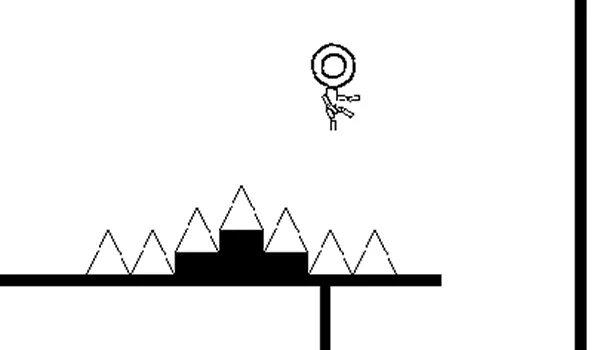
Geometry Dash Scratch is a Scratch-style version of Geometry Dash built around simple controls, remixable ideas, and community-made levels. It keeps the familiar rhythm platformer loop: jump over spikes, follow the beat, read portals, and restart when your timing misses by a split second.
The Scratch angle makes this page different from the main Geometry Dash page. Players often search for Scratch Geometry Dash because they want a browser version that feels close to Geometry Dash but is easier to remix, study, or rebuild. It is part game, part learning project, and part community experiment.
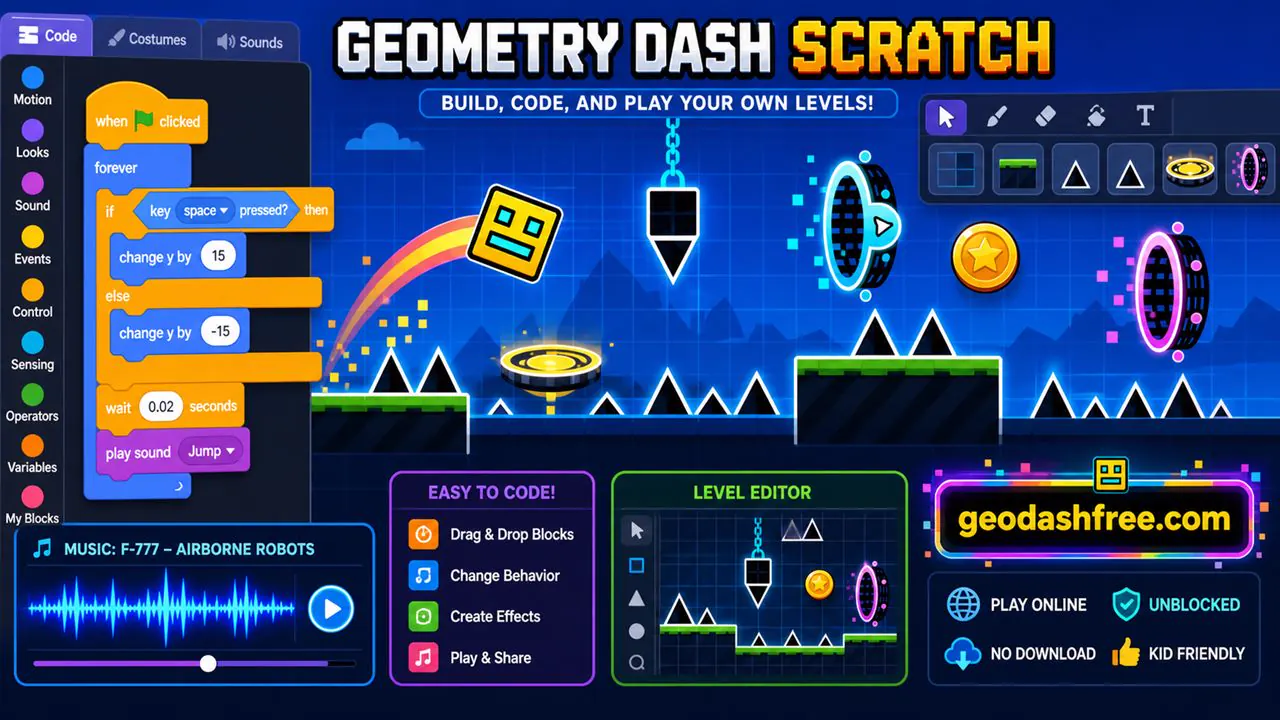
Geometry Dash Scratch Online
Geometry Dash Scratch online is built for quick browser play. You do not need an app, installer, or login to start a run here. Open the page, press play, and practice the level like any other Geometry Dash-style game.
Online play also makes sense for Scratch projects because the whole idea is access. Players can try levels, study how mechanics work, and compare remixes without setting up a full game engine.
Geometry Dash Scratch Unblocked
Geometry Dash Scratch unblocked is useful when downloads are not allowed or when you are on a shared device. A browser version keeps things simple: no APK, no installer, and no extra files. If your school or work network allows the page, you can play directly in the browser.
Scratch is often used in classrooms, but that does not mean every game page is allowed everywhere. Follow the rules where you are playing. The safe part is that you do not need to download random files just to try the game.
How to Play Geometry Dash Scratch
The gameplay is familiar if you have played Geometry Dash Lite, Meltdown, Breeze, or the original game. Your icon moves forward automatically, and your job is to time jumps and mode changes. The level decides the rhythm; you learn it through repeated attempts.
- Tap or press: Jump over spikes, gaps, and platforms.
- Hold: Fly or rise during ship and wave-style sections.
- Release: Drop or stop rising when the path changes.
- Watch portals: They can change gravity, speed, size, or form.
- Restart quickly: Each failed run teaches part of the pattern.
Geometry Dash Scratch Controls
Geometry Dash Scratch controls stay simple because the challenge is timing, not button complexity. Space, Up Arrow, left click, and mobile tap usually cover the main action. The exact feel can vary between Scratch projects, especially if the creator changed physics or speed.
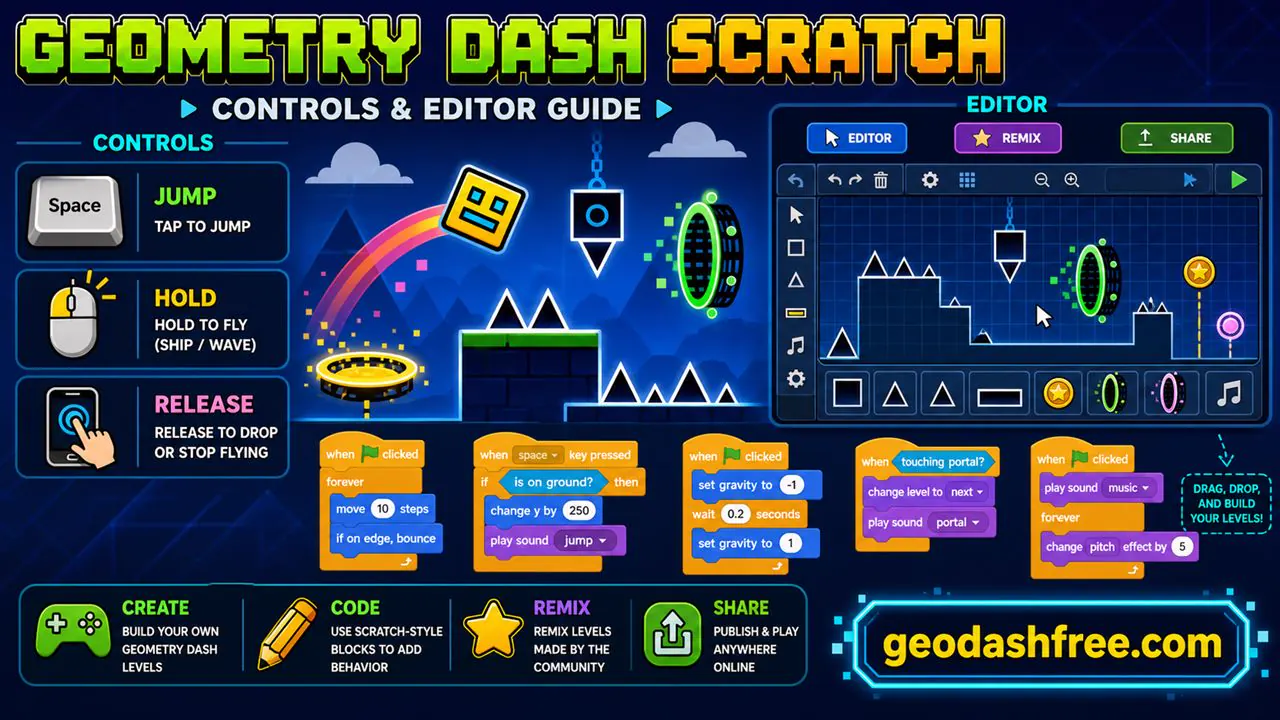
- Space: Jump or interact with the current form.
- Up Arrow: Alternate keyboard jump control.
- Left Click: Jump, fly, or trigger actions.
- Mobile Tap: Tap to jump and tap-and-hold when needed.
- R: Restart when supported.
- Esc: Pause when supported.
Geometry Dash Scratch Levels
Geometry Dash Scratch levels can be simple remakes, original challenges, experiments, or full community projects. Some focus on classic spike jumps. Others add custom portals, different music, new backgrounds, or strange physics. That variety is the main reason people keep searching for Scratch Geometry Dash projects.
Not every level will feel polished. That is normal with community projects. A good level has clear timing, readable obstacles, and fair restarts. A messy level may still be interesting if you want to see how another creator built it.
Geometry Dash Scratch Editor
The editor idea is the biggest difference between Scratch Geometry Dash and a normal game page. In Scratch, creators can use blocks to control movement, gravity, collision, music, speed, and level events. You can look at a project and understand how the pieces work without needing a traditional coding setup.
If you want to build a level, start small. Make a cube jump over a few spikes, add one portal, test the timing, and then expand. Most bad Geometry Dash levels are not bad because they are simple. They are bad because nobody tested whether the jumps feel fair.
Geometry Dash Scratch Remix
Remixing is part of Scratch culture. A Geometry Dash Scratch remix might change the icon, music, speed, backgrounds, or level layout while keeping the same core engine. This is useful if you want to learn by editing something that already works.
Good remixing means adding something, not just renaming the project. Change the timing, improve the visuals, fix bugs, or build a new level path. That is how a simple Scratch project becomes a real game experiment.
Community Levels in Geometry Dash Scratch
Community levels are where Geometry Dash Scratch gets messy in a good way. You can find easy practice levels, impossible spike tunnels, joke levels, remakes of famous Geometry Dash stages, and experimental projects that do not play like the original at all.
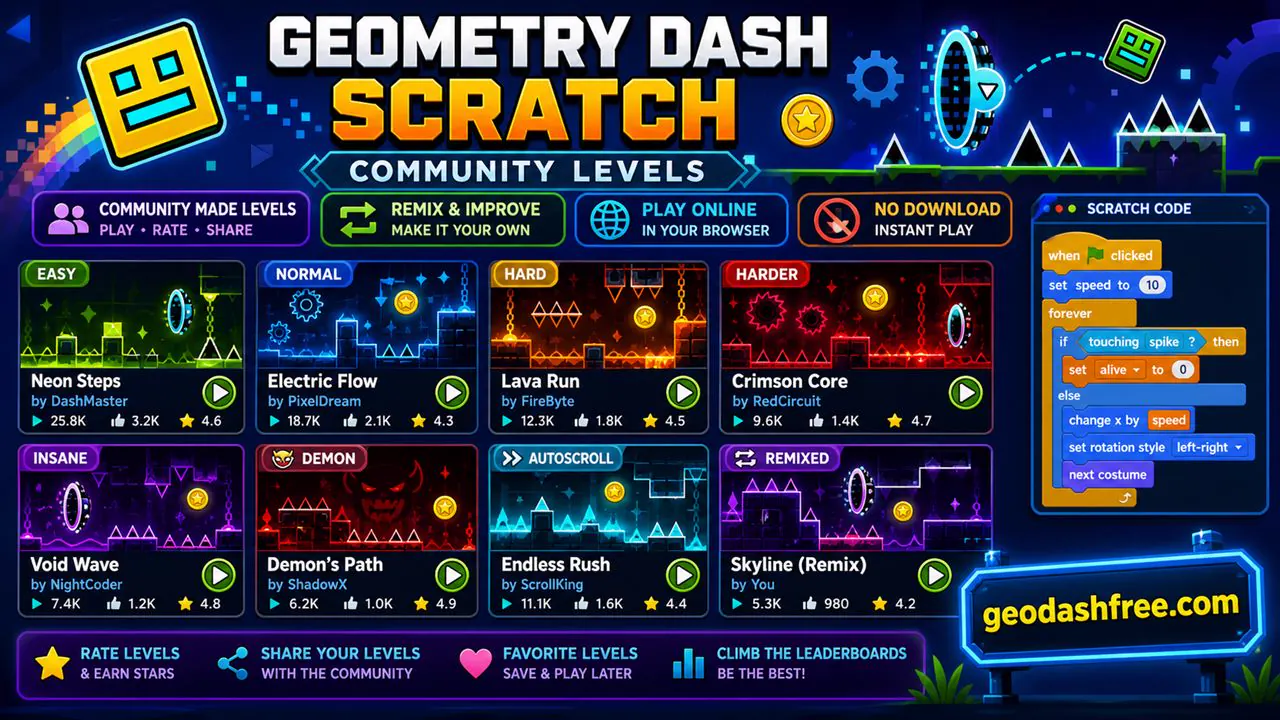
The best way to explore is to play several levels and notice what feels fair. If a level teaches you its pattern, it is probably designed well. If it kills you without warning, it may need more testing.
Geometry Dash Scratch Download
Many players search for Geometry Dash Scratch download, but you do not need a download to play here. The browser version is simpler and safer. Scratch projects are usually made to run online, so downloading random files from mirror sites is unnecessary.
Geometry Dash Scratch APK
Geometry Dash Scratch APK searches usually come from Android players, but APK files from unknown sites can be risky. If you only want to play, use the browser version. It avoids fake installers, old files, and permissions you do not need to grant.
Geometry Dash Scratch vs Geometry Dash
Geometry Dash Scratch is community-made and remix-friendly. The original Geometry Dash is a polished official game with tighter physics, more content, and a larger ecosystem. Scratch is better for learning and experimenting. The original is better for the full official experience.
If you want official-style spin-offs, try Geometry Dash Meltdown, Geometry Dash World, or Geometry Dash SubZero. If you want to understand how a rhythm platformer can be built from blocks, Scratch is the better fit.
Scratch Geometry Dash, GD Scratch, and Related Searches
Players search for this game in several ways: Scratch Geometry Dash, Geometry Dash Scratch unblocked, Geometry Dash Scratch online, GD Scratch, Geo Dash Scratch, and Geometry Dash Scratch levels. These terms usually point to the same thing: browser-friendly Geometry Dash-style gameplay with a community or editor angle.
Tips for Geometry Dash Scratch
- Start with easy levels: Learn the project physics before trying harder remixes.
- Check the timing: Scratch projects can feel different from official Geometry Dash.
- Use simple inputs: Clean taps beat panic clicks.
- Study good levels: Notice how they warn you before hard jumps.
- Test your own levels: A fair level should be hard because of timing, not because of hidden traps.
- Remix carefully: Improve the project instead of only changing the title.
Frequently Asked Questions
Is Geometry Dash Scratch free?
Yes. You can play Geometry Dash Scratch free online in your browser.
Can I play Geometry Dash Scratch unblocked?
Yes, if your network allows the page to load. The browser version does not require a download.
Is Scratch Geometry Dash the same as Geometry Dash Scratch?
Yes. Scratch Geometry Dash is just another way players search for Geometry Dash Scratch projects.
Can I create levels in Geometry Dash Scratch?
Scratch projects can be edited or remixed on Scratch when the creator allows it. This page focuses on playing, but the Scratch idea is built around remixing and learning.
Do I need to download Geometry Dash Scratch?
No. You can play online here without downloading an installer or APK.
Is Geometry Dash Scratch APK safe?
Be careful with APK files from unknown sites. Browser play is safer for quick access.
Does Geometry Dash Scratch work on mobile?
Yes, the game can work with touch controls, though editing Scratch projects is usually easier on desktop.
What is GD Scratch?
GD Scratch is a short search term for Geometry Dash Scratch.
Are Geometry Dash Scratch levels official?
No. Most Scratch versions are fan-made or community-made projects inspired by Geometry Dash.
What should I play after Geometry Dash Scratch?
Try Geometry Dash Lite, Meltdown, World, Breeze, Wave, or the main Geometry Dash page if you want a more official-style rhythm platform challenge.
Ready to play? Try Geometry Dash Scratch above, then move to Geometry Dash Wave if you want a tighter timing challenge.